Mathematics
Number, algebra, geometry, trigonometry, statistics and more, with worked examples, investigations and the SBA project.
392 practice questions · 129 games
 EduTech STEM Academy
Start free
Free CSEC & CAPE revision · Made in Trinidad & Tobago
Narrated lessons, exam-style practice, learning games and a readiness tracker that shows exactly what to revise next — for Mathematics, Additional Mathematics, Biology, Chemistry, Physics and IT, plus CAPE IT.
Choose your subject
Each course covers every objective in the CXC syllabus, from the first lesson right through to exam papers and the SBA.
Number, algebra, geometry, trigonometry, statistics and more, with worked examples, investigations and the SBA project.
392 practice questions · 129 games
Algebra and series, coordinate geometry and trigonometry, calculus, probability and statistics.
312 practice questions · 102 games
Ecology, life processes and genetics, with practice drawn from CSEC past papers (2020–2026) and 3D models.
461 practice questions · 157 games
Principles, organic and inorganic chemistry, with labelled diagrams and the eight practical topics.
344 practice questions · 111 games
Mechanics, thermal physics, waves and optics, electricity and the atom, with animated diagrams and 3D simulations.
496 practice questions · 168 games
Hardware to networks, word processing, spreadsheets, databases, web pages, problem solving and Pascal.
312 practice questions · 99 games
CAPE · Information Technology Unit 2
Click-through visual lessons for every objective in Modules 1, 2 and 3, with past-paper revision questions, an in-browser SQL lab and the Sweet Escape Bakery & Café project.
Open CAPE ITEnrolled in the CAPE IT class programme? Your teacher gives you a one-use code to sign in from the same page.
All six subjects together
Be a water engineer, an energy designer, a hospital scientist or a farm advisor. Each project uses all six CSEC subjects, with worked solutions and real career profiles.
Explore the projects See where subjects overlapHow every lesson works
The same four steps in every lesson, so students always know what to do next.
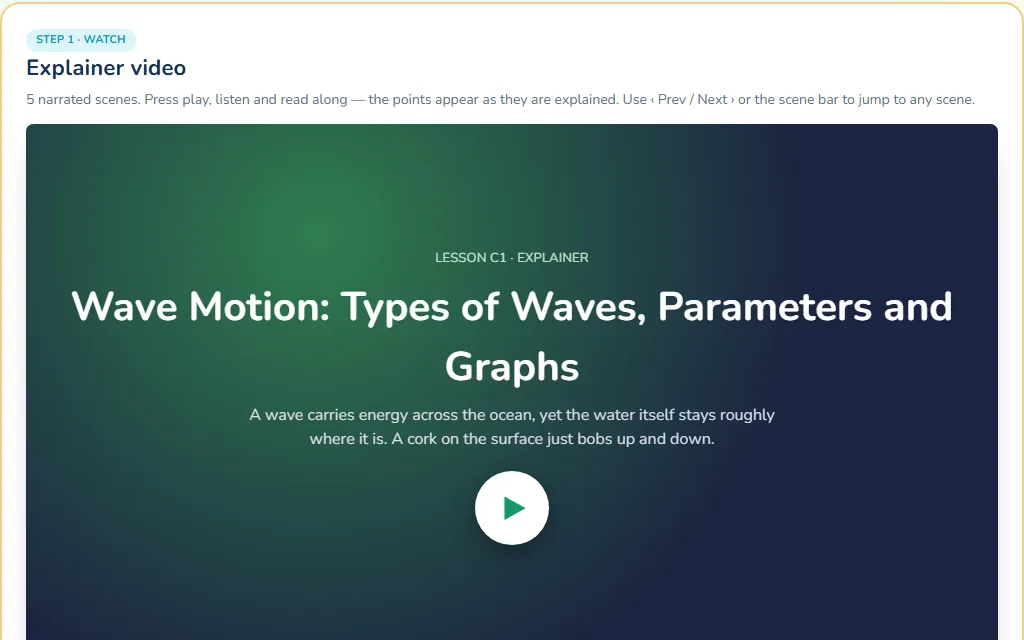
Short scene-by-scene videos that explain each objective with worked examples and diagrams. Students can listen or read the captions, and replay any scene.
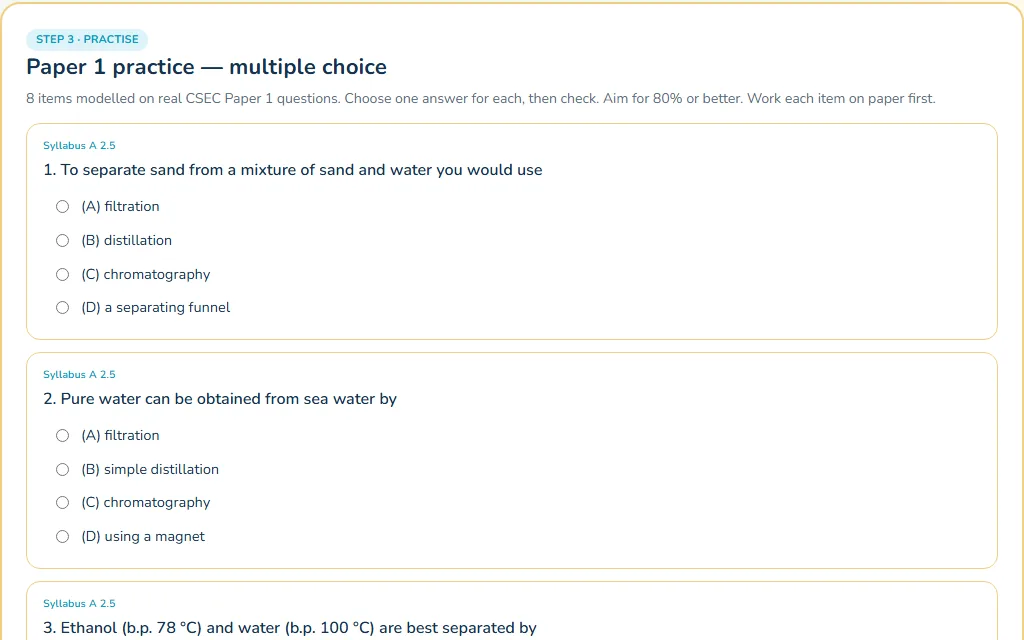
Paper 1 multiple choice and Paper 2 structured questions on every lesson, modelled on real CSEC questions, with instant feedback and model answers.
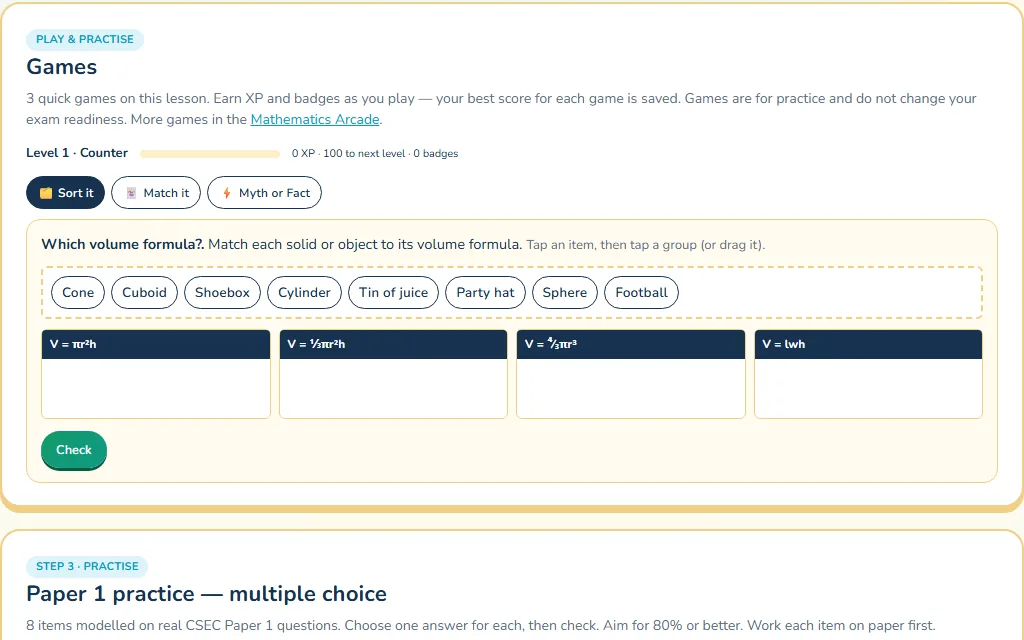
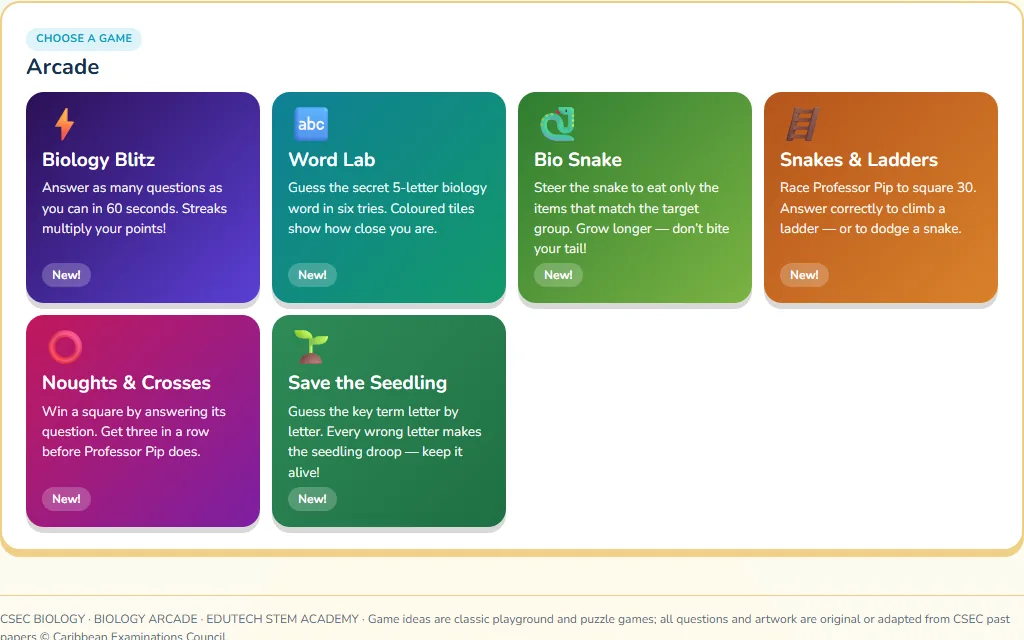
Lessons finish with quick games — sort it, sequence it, match it, Myth or Fact — and each subject has an arcade of favourites like Snakes & Ladders, Word Lab and Snake, all powered by the syllabus.
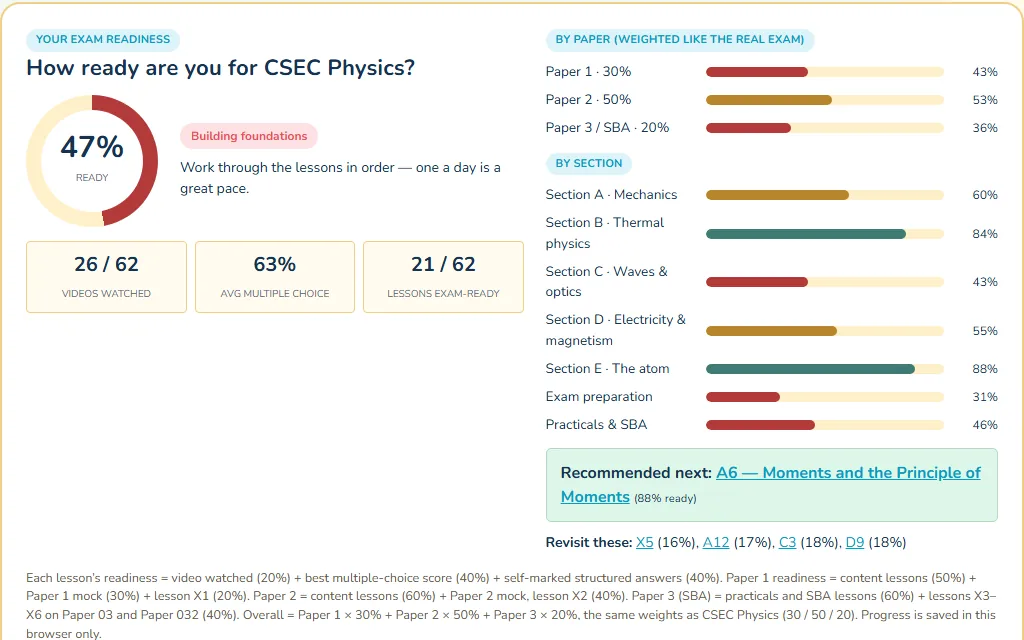
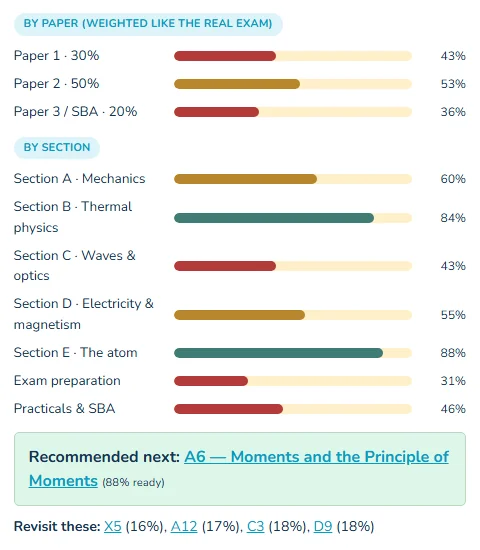
The readiness tracker turns videos watched and practice scores into a percentage for each paper and section, weighted like the real exam — and names the next lesson to study.
In their own words
Real feedback only, shared with permission. We show first names, role and level, nothing more.
Used the lessons? Tell us how it went. Tick “You may quote my comments” and your words could appear here.
Share your experienceFor parents & teachers
Built by a Trinidad & Tobago secondary teacher with 18 years in the classroom, following the CXC syllabus objective by objective.
Students open a lesson and start. There is nothing to sign up for and no advertising.
Ask your child to show you their readiness tracker. A progress code lets them move to another device or share it with a tutor.
Phones, tablets, laptops and school computers — any modern browser. Narration uses the device’s own voice, so no big video downloads.
Teachers can project any lesson, use the games as starters, and set the practice as homework. Ask us about class use.
Practice is modelled on real CSEC Paper 1, Paper 2 and Paper 032 questions, with SBA and practical lessons in every science.
Beyond the screen
Scheduled online revision sessions where students can ask questions, with recordings to revisit. Physical classes can be booked when available.
Ask about live classesPrinted guides for revision away from the screen, matched to the online lessons and quizzes.
Request a study guideAges 8–16 in Chaguanas: assemble a working robot, learn programming logic and compete in a friendly mini tournament.
See the campWho we are
EduTech STEM Academy was started by Danual Bridgemohan, a secondary school teacher in Trinidad & Tobago with 18 years’ experience teaching Computer Science and Information Technology and running IT and robotics clubs.
The aim is simple: every CSEC student should have clear lessons, real exam practice and honest feedback on how ready they are — wherever they live and whatever school they attend.
Read the full storyQuestions
Yes. Every CSEC lesson, practice question, game and mock on the site is free to use. Live classes and printed study guides are separate — email us for details.
No. Open any subject and start. Your progress is saved in your browser on that device.
On a library’s main page, press “Copy my progress code”, then “Load a progress code” on the other device.
Yes. Each course is built objective by objective from the current CXC syllabus, and practice questions are modelled on, or adapted from, CSEC past papers.
Yes — project a lesson, play the games as a starter, or set the practice for homework. Email us if you would like to use it with a whole class.
More CAPE subjects are on the way. Tell us which subject you need most — your feedback decides what we build next.
Pick a subject, press play, and let the tracker guide you from there.